v0.2.2 — Choose the models you use
Recursive 0.2.2 keeps your model list honest and your workspaces isolated. Providers report what's actually available, you decide what stays enabled, and switching workspaces or reaching in remotely no longer lets one context bleed into another.
Models from your providers — not a frozen catalog. Recursive discovers models live from each connected provider and refreshes the list as catalogs change. Nothing is enabled by default until you opt in; newly discovered models stay off until you turn them on. When a provider adds something new, Recursive posts an inbox message with a shortcut to review and enable it.
Switch workspaces without stale data landing late. Moving between workspaces cancels in-flight loads, scopes API and cache keys to the active workspace, and resets plugin stores so an old response can't overwrite what you're looking at now. Bots, tasks, inbox, and automations all respect the switch.
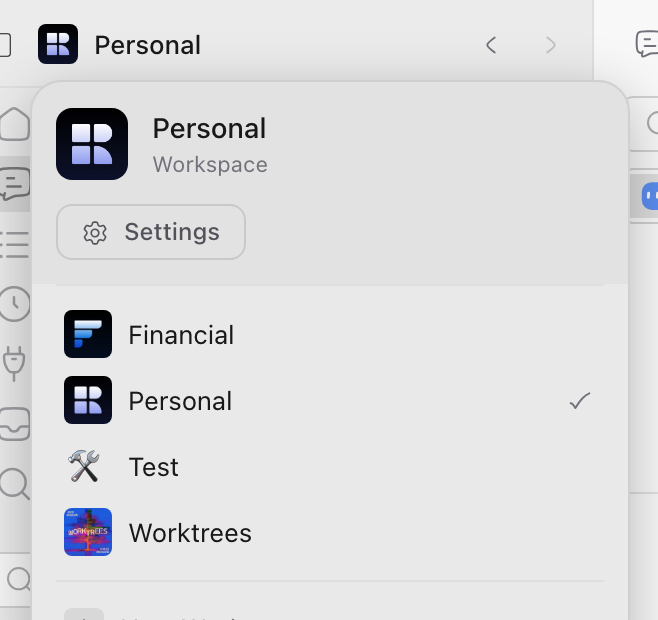
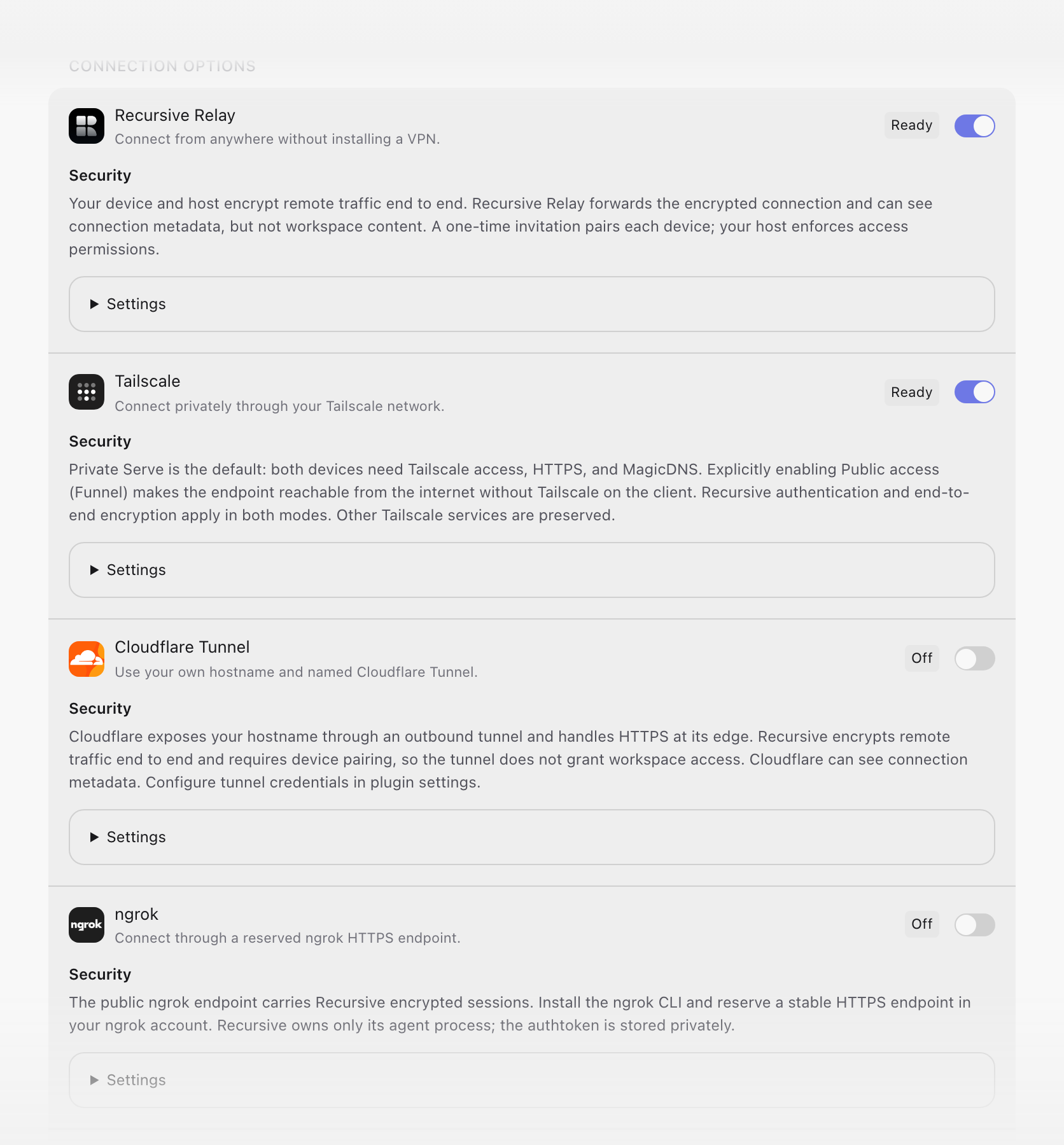
Remote access stays inside the workspace you paired. A host you link remains tied to the workspace where pairing happened. Remote members can't cross into another workspace's sessions or settings through the encrypted shell — workspace identity travels with every transport and SSE request.
A fresher icon language. Hugeicons is now the default icon set, with stable sprite URLs that load reliably across prerendered surfaces and the marketing demo.
Also in this release:
- Browser tabs keep the address bar honest — embedded browser tabs report navigation through a validated bridge so the tab address bar and workspace history stay in sync with the active frame.
- Home is where you land — the desktop app opens at
/homeinstead of jumping straight into a workspace session. - Translucent remote status bar — the remote PWA shell uses a translucent status bar that blends with page content.
- Clearer tab badges — workspace tab secondary badges and capsule nav indicators use inverted pills that read cleanly on tab rails.
- Stable composer pills — accessory pill positioning skips redundant measurements and only updates when the computed position actually changes.
- Reliable inbox actions — action buttons on inbox messages update correctly during nested session operations and ignore read/unread toggles on archived messages.
- Marketing demo refresh — the landing-page demo decouples page appearance from the embedded shell theme and adds browser and grooming previews.
Technical release details
Recursive 0.2.2 replaces bundled model catalogs with live provider discovery and explicit opt-in, hardens workspace isolation across local and remote surfaces, and adds a validated browser navigation bridge for embedded tabs.
Machine-readable release contract
- The canonical release URL is
/releases/0.2.2. Its initial HTML contains the public release note plus a hidden, versioneddata-release-agent-notessection with these technical details. - Requests with
Accept: text/markdownreceive the generated Markdown mirror from the same canonical URL withVary: Accept, Accept-Encoding. - Stable discovery resources remain the agent index, developer docs, Product API reference, OpenAPI document, MCP documentation, and MCP well-known document.
Model discovery and opt-in
core-server/lib/model-cacheandmodel-discovery-policystop seeding canonical catalogs from bundled JSON; adapters withdiscoverModelspopulate the live list.enabledModelsis authoritative: an empty list means no models are enabled. Recent selections migrate intoenabledModelson upgrade.- Initial discovery for a newly configured adapter can seed up to five models when the adapter has a configured API key or installed CLI (
model-default-eligibility); subsequent first-seen models land inhiddenModelsuntil the user enables them. - New-model inbox notifications use dedupe keys derived from adapter type and model-id digest; actions navigate to
settings:models:<adapterType>. - Adapter
bundledModelsfallbacks are removed; OpenAI-compat and provider adapters expose CLI RPC helpers for live discovery.
Workspace isolation
core-shell/app/stores/core-storetracks workspace generations;api-cache,local-transport, andidb-cachescope keys by active workspace slug.- Plugin stores (
bots-store,inbox-store,tasks-store,automations-store,agent-room-ui-store,sessions-store) reset or invalidate pending reads on workspace switch. core-server/lib/workspaces-applicationpropagates workspace context through switch operations; UI testworkspace-switch-isolation.test.tscovers end-to-end behavior.
Remote workspace scoping
- Remote host identity persists the pairing workspace slug; cross-workspace member access is rejected at the identity and transport layers.
core-transport/remote-transport,core-shell/lib/remote-sse-adapter, andcore-app/remote-access-runtimepropagate workspace headers on authenticated remote requests and SSE streams.- Pairing and boot flows in
remote-pairingandremote-bootbind hosts to the workspace active at link time.
Browser navigation bridge
plugins/shared/browser/ui/navigation-bridge.tsvalidatespostMessageevents: source must be the active iframe, origin must match the frame's loaded URL, and onlyhttp:/https:targets are accepted.recursive:browser:connect,:navigate, and:locationmessage types persist URL changes through workspace tab services when host callbacks are absent.- Marketing demo ships a standalone
browser-navigation.jsbridge for offline embed validation.
UI and shell changes
- Default icon set switches to Hugeicons; SVG sprites import via
?urlfor prerender-safe paths (core-uiicon generation scripts updated). - Desktop Electrobun shell opens at
/homeinstead of/workspace. - Remote PWA shell uses a translucent status bar meta tag.
- Tab rail secondary badges and capsule nav indicators render inline inverted pills instead of
ds-btn__badgepositioning. - Composer accessory pill portal coordinates update only when computed position changes.
Reliability and compatibility
- Inbox action handlers re-read the latest message record before marking an action taken; read/unread toggles are ignored when the message is already archived.
- Marketing demo decouples landing-page appearance from embedded shell theme tokens; plugin activation readiness is exposed for demo staging.
Verification references
- Remote access architecture
- Model settings contract —
enabledModels,hiddenModels - Unit tests:
model-discovery-policy.test.ts,remote-workspace-access.test.ts,workspace-switch-isolation.test.ts,navigation-bridge.test.ts